> For the complete documentation index, see [llms.txt](https://docs.calibratedsoftware.com/llms.txt). Markdown versions of documentation pages are available by appending `.md` to page URLs; this page is available as [Markdown](https://docs.calibratedsoftware.com/tin-man/tin-man-desktop/playback-panels/video-analyze.md).
# Video Analyze
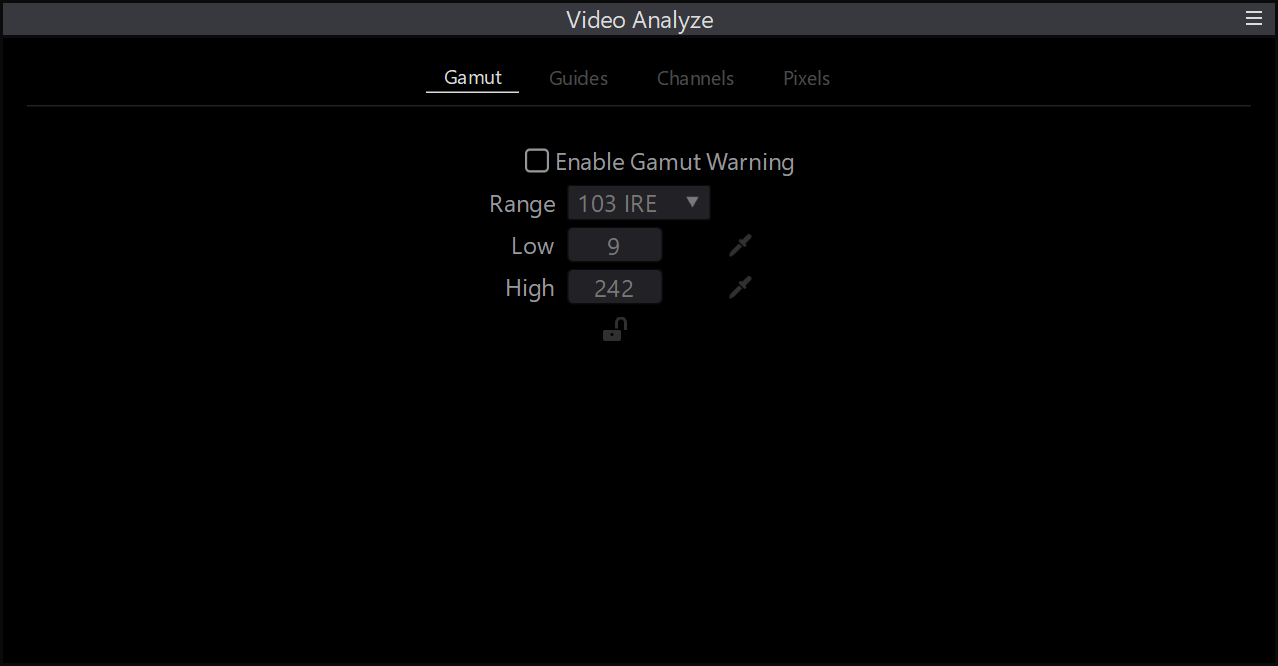
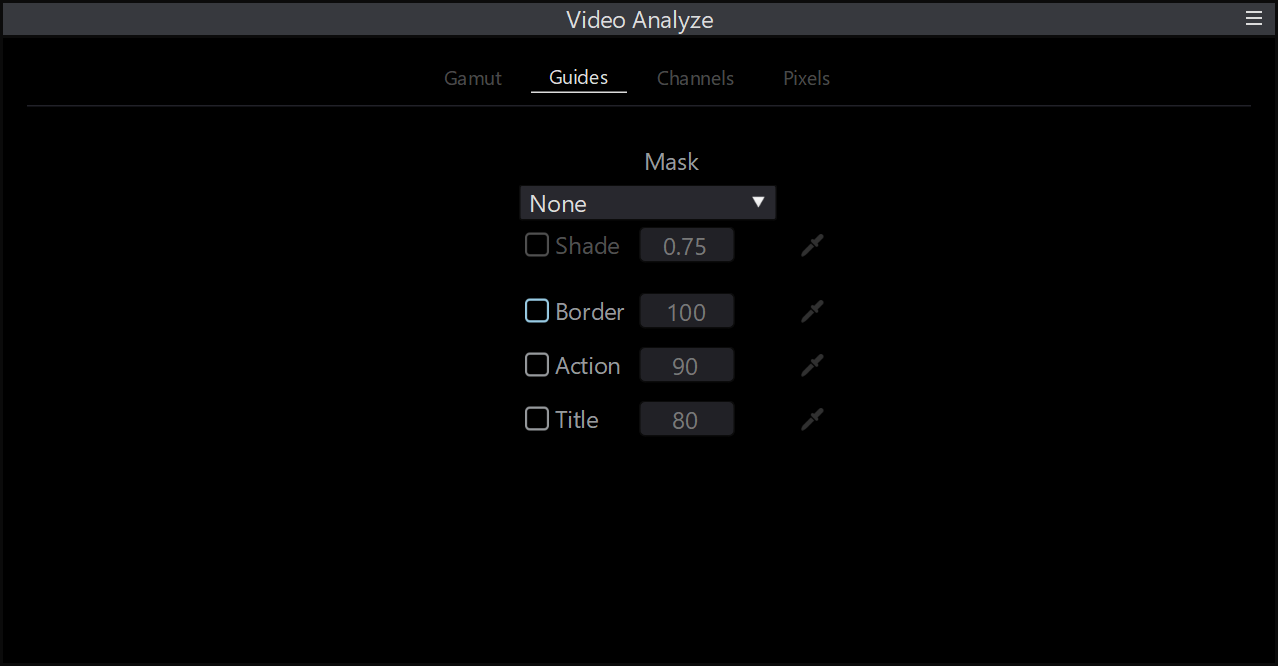
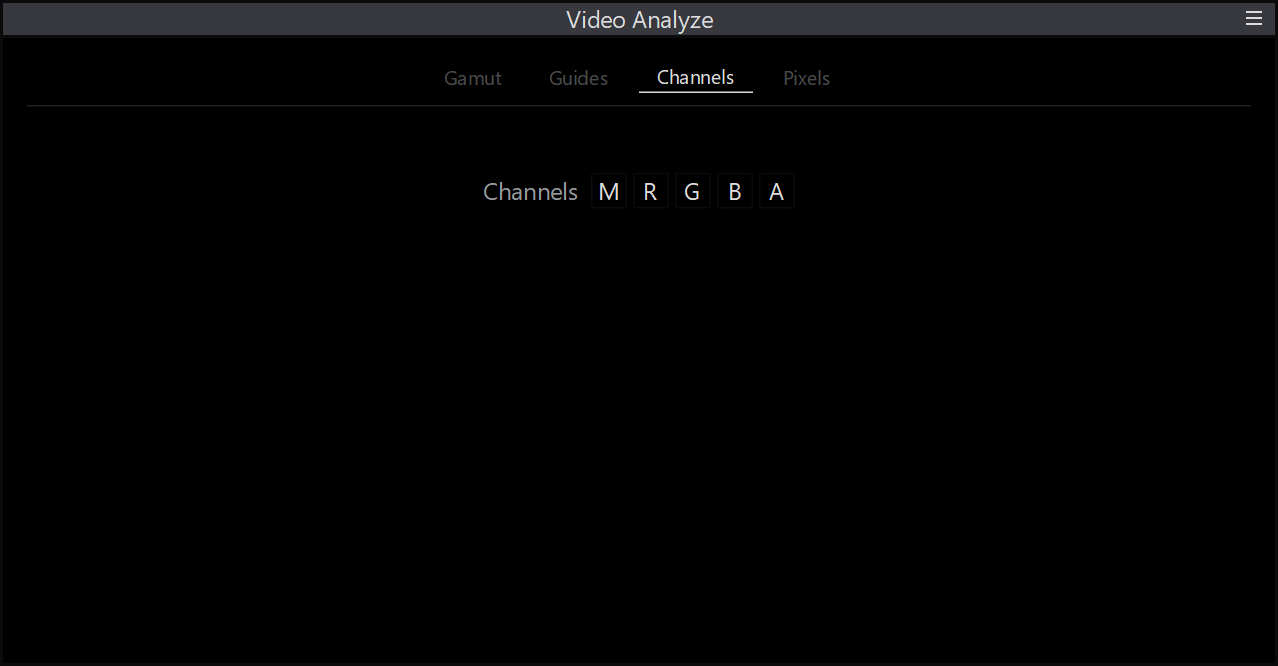
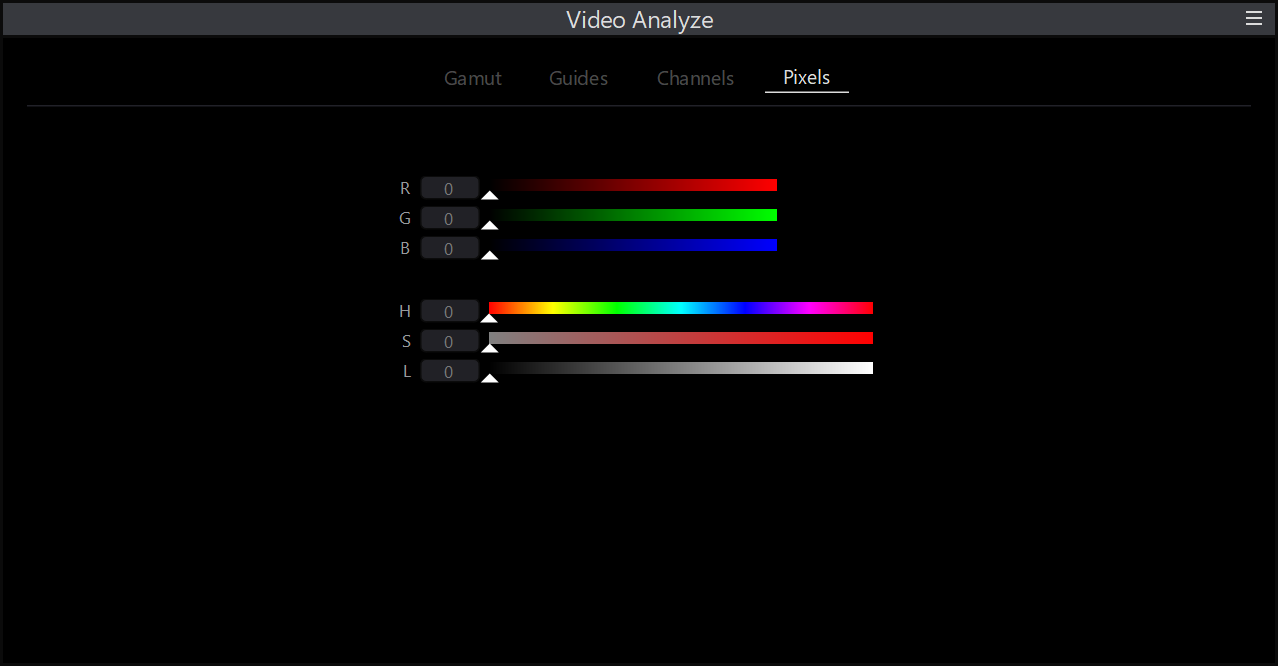
The **Video Analyze** panel provides visual tools for analyzing and verifying the video signal. It allows you to:
* **Check Gamut** – Identify out-of-gamut colors in the image.
* **Set Action/Safe Titles** – Display safe title and action guides, as well as customizable border outlines and aspect ratio masks.
* **Isolate Color Channels** – View individual Red, Green, Blue, or Alpha channels.
* **Read Pixel Values** – Inspect the exact color values of individual pixels in the image.
{% tabs %}
{% tab title="Gamut Warning" %}
{% endtab %}
{% tab title="Guides" %}
{% endtab %}
{% tab title="Isolate Channels" %}
{% endtab %}
{% tab title="Get Pixel Color" %}
{% endtab %}
{% endtabs %}